Generate
Create images with AI
Power BI Reports & Stunning Dashboards
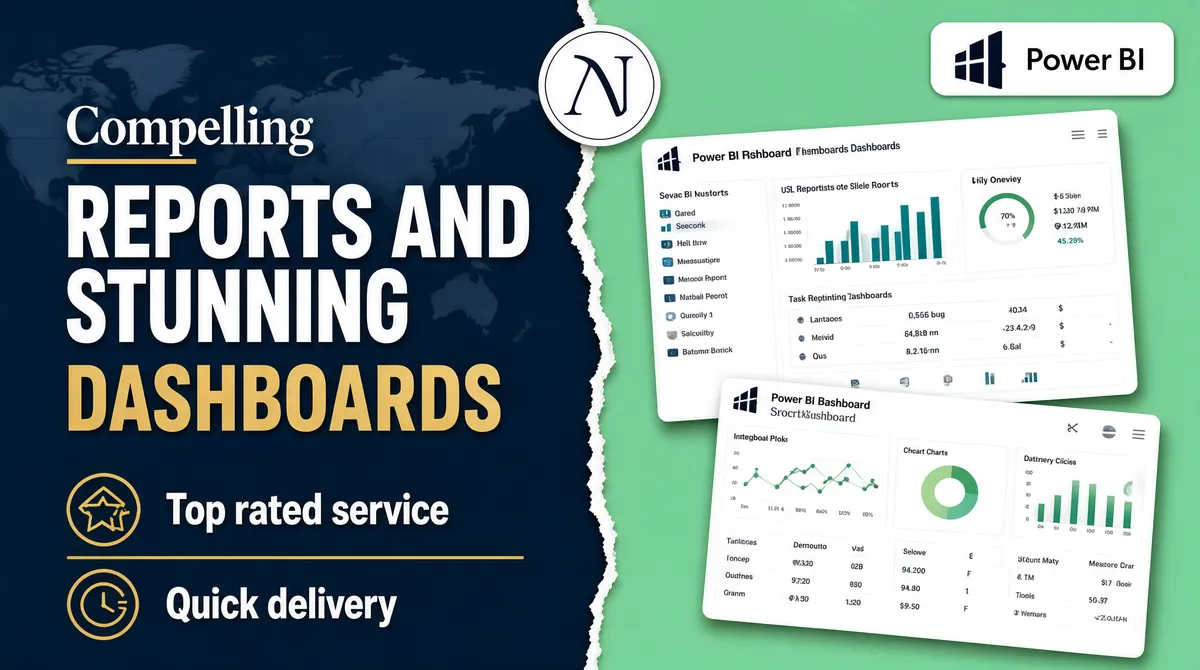
[Format] Landscape 16:9 gig cover, editorial split-background banner with tilted screenshot cards. Clean, print-like. No watermark, no personal names. [Layout] Two flat colour fields split the frame down the middle with a ragged, hand-torn zigzag seam running top to bottom at roughly the centre, the left field in dark slate blue and the right in mint green; a faint world-map silhouette is ghosted into the dark left half. Top-centre, straddling the seam, sits a white circular badge. Top-right, inside the mint field, a white rounded rectangle holds the Power BI logo (a small dark mark of three ascending bars) with the "Power BI" wordmark beside it. Left half: a left-aligned typographic stack in four lines. Bottom-left: two gold line icons each beside a bold label, separated by a thin gold rule. Right half: two white Power BI dashboard screenshot cards, both rotated slightly (about 6 degrees) and overlapping in a loose vertical stack, each with a title bar and small charts — the upper card wider than the lower. [Subject] None — typographic and UI only. [Headline] Left stack, in order: a small white serif word "Compelling" with a short gold underline; then a large heavy white uppercase "REPORTS AND" over "STUNNING"; then "DASHBOARDS" in gold, uppercase, with very wide letter-spacing. Bottom-left labels read "Top rated service" and "Quick delivery" in bold white sentence case beside the gold icons. [Badges] Top-centre a white circular badge carrying a private two-letter monogram (a seller or consultancy mark) inside a thin ring — keep it neutral, no name. Top-right a white rounded rectangle containing the Power BI logo mark and the "Power BI" wordmark. [Mood] Dark slate blue against fresh mint green with a single gold accent. Crisp, trustworthy, consulting-deck feel; the torn seam and the tilted white cards read well even small.
More Images