Generate
Create images with AI
Favorite And Add To Cart Guide
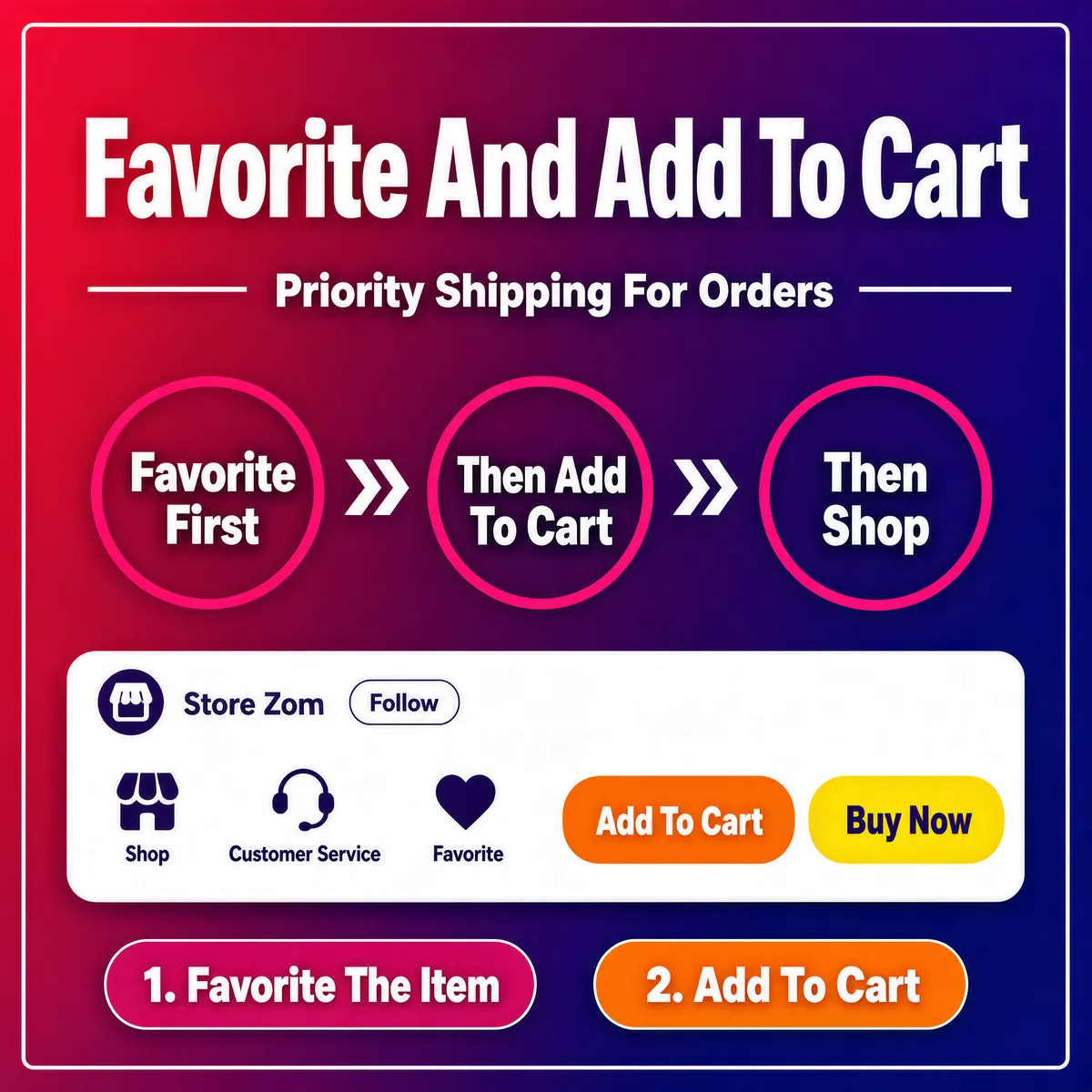
[Format] Professional e-commerce product main image, square 1:1, flat e-commerce instructional banner style. [Colors] Background a smooth diagonal gradient from crimson red through violet to deep purple-blue (#c22a52 to #3b2a8e) with a thin white inner keyline frame; white, magenta and orange-yellow graphics inside. [Layout] Big title centered near the top; a thin rule with a sub-line beneath; three outlined circles joined by arrows across the middle; a white store-interface card across the lower third; two numbered pill tags at the bottom. [Subject] No people and no product photograph; the entire image is a pure instructional graphic built from type, circles and a mock store navigation card. [Headline] Huge white bold characters "Favorite And Add To Cart"; beneath, between short rules, a white line "Priority Shipping For Orders"; then three magenta-outlined circles containing "Favorite First", "Then Add To Cart" and "Then Shop", linked by white ">>" arrows. [Badges] The white interface card shows a store-name row with a follow button, then a row of icons labeled "Shop", "Customer Service", "Favorite", followed by an orange pill "Add To Cart" and a yellow pill "Buy Now"; below the card, two pill tags read "1. Favorite The Item" and "2. Add To Cart". [Mood] Playful, direct and conversion-focused; a vivid red-purple gradient with clean white instructional graphics.
Tags
More Images