Generate
Create images with AI
QuickBooks Online Tutorial Guide
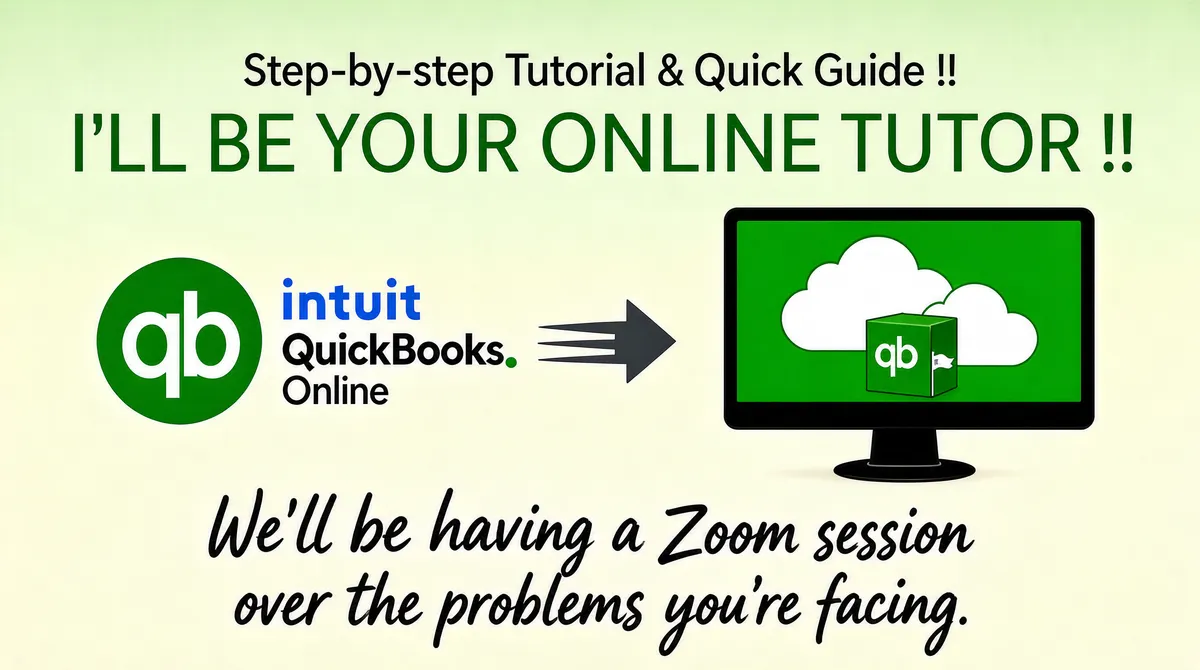
[Format] Landscape 16:9 gig cover, simple flat graphic layout on a soft paper-like background. Clean vector illustration style with a gentle pale gradient. No watermark, no personal names. [Layout] A pale sage-green to cream vertical gradient fills the frame. The top band holds two stacked, roughly centered text lines. The middle band is a left-to-right flow diagram: on the left the Intuit QuickBooks Online badge-plus-wordmark lockup, in the center a solid dark-grey arrow with three speed lines pointing right, on the right a black desktop monitor on a round stand whose green screen shows a white cloud graphic with a small green box standing in front of it. The bottom third is two lines of flowing script text spanning nearly the full width. [Subject] None — typographic and object illustration only; the monitor and arrow are objects, not people. [Headline] Top line: thin dark-grey sans "Step-by-step Tutorial & Quick Guide !!". Second line: large green serif all-caps with thin strokes, "I'LL BE YOUR ONLINE TUTOR !!", nearly full width. Bottom: two lines of dark-grey casual script handwriting reading "We'll be having a Zoom session over the problems you're facing." [Badges] Left-middle: the Intuit QuickBooks Online lockup, a green circle holding the white lowercase "qb" monogram beside a two-line wordmark reading "intuit" in blue above "QuickBooks." in dark grey with its small green dot, and "Online" beneath. On the monitor screen: two overlapping white clouds with a green standing box bearing the same green "qb" circular mark and a small white QuickBooks flag. [Mood] Soft green, cream and dark grey; calm, friendly, instructional. Simple flat shapes stay legible at thumbnail size.
More Images