Generate
Create images with AI
Professional Video Editing Services Gig Cover
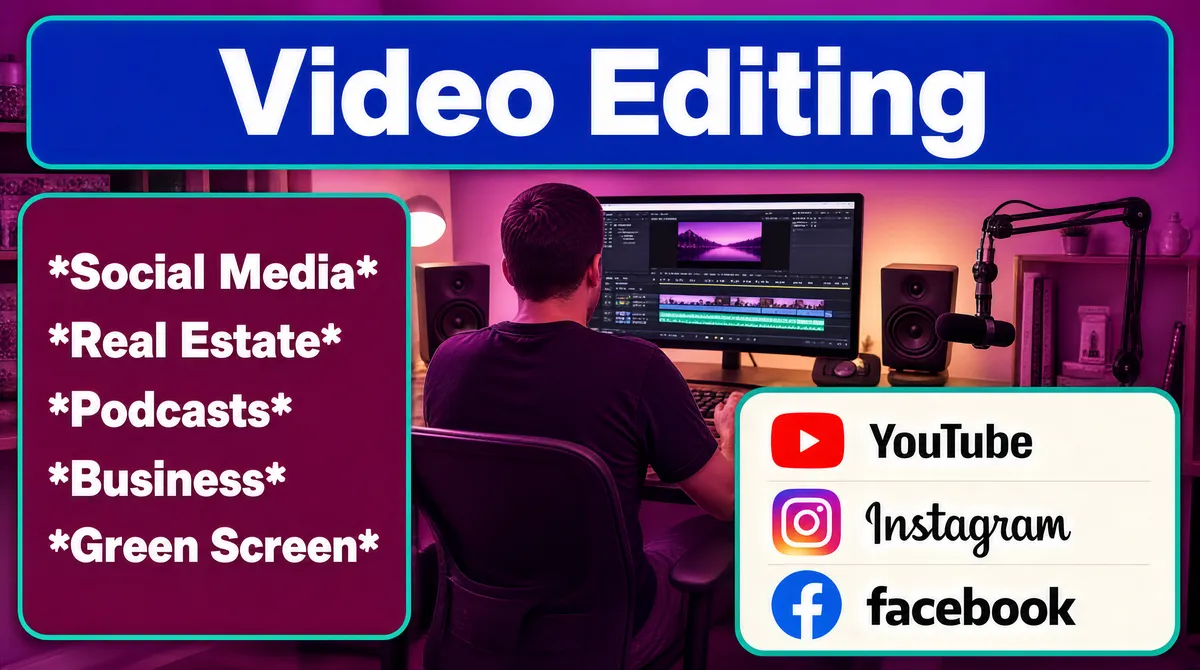
[Format] Landscape 16:9 gig cover, flat translucent info-panels laid over a tinted studio photograph — an uncluttered informational layout. Simple rounded-rectangle UI finish. No watermark, no personal names. [Layout] The background is a photograph of a home studio — a person seen from behind at a desk with a monitor showing an editing timeline, speakers and a microphone — washed entirely in a magenta-purple overlay. On top sit three flat panels: (1) a full-width royal-blue rounded rectangle at the top carrying the main headline, inset from the top edge; (2) a deep-magenta rounded rectangle with a teal outline on the middle-left, containing a five-item service list, one item per line; (3) a pale off-white rounded rectangle with a thin teal outline at the lower-right, containing three stacked platform rows, each an icon beside a word. The right middle ground keeps the desk photo visible between panels. [Subject] None in cut-out form — a single editor figure appears only inside the background photograph, seen from behind at the desk. [Headline] (1) In the blue top band: "Video Editing" in huge white extra-bold title case spanning the band. (2) In the magenta list panel, white bold sans, each line wrapped in asterisks: "*Social Media*", "*Real Estate*", "*Podcasts*", "*Business*", "*Green Screen*". [Badges] In the pale lower-right panel, three platform rows: the YouTube mark, a red rounded-rectangle play-button tile, beside the bold word "YouTube"; the Instagram mark, a gradient camera-app square, beside the script word "Instagram"; and the Facebook mark, a blue circular letter-mark tile, beside the lowercase word "facebook". [Mood] Magenta-purple wash over a warm studio with royal-blue and teal panel accents — casual, informational, friendly. At thumbnail size the blue headline band and the white platform panel stand out against the purple.
Tags
More Images