Generate
Create images with AI
Pro Tools Session Screenshot
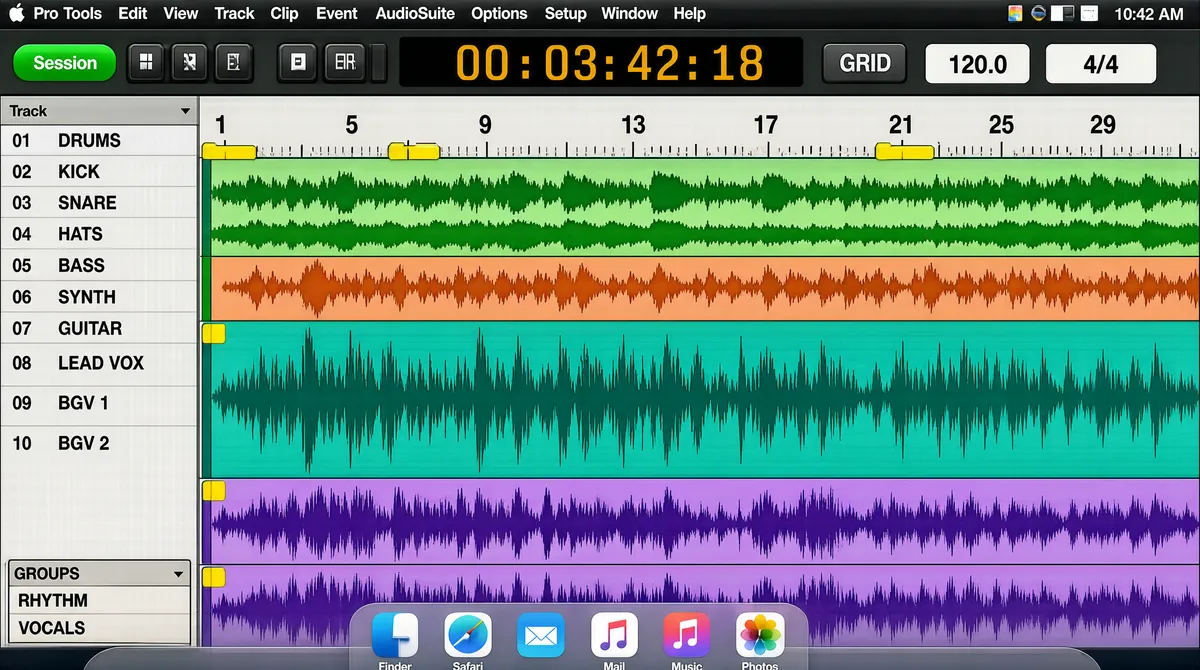
[Format] Landscape 16:9 gig cover, full-bleed screenshot of an audio-workstation session. Pixel-crisp flat interface rendering, screenshot aesthetic, no photography and no lighting. No watermark, no personal names. [Layout] The entire canvas is one digital-audio-workstation window captured edge to edge, with a thin macOS menu bar across the very top and a translucent Dock strip across the very bottom. The window divides into four nested regions: a transport toolbar across its top, holding a small green session chip at the left, transport buttons, a black time-count readout with large amber digits just right of centre and two small numeric fields further right; a pale-grey track-list column down the left fifth, holding group headings, a long scroll of small track names and a short groups box at its foot; a wide edit area filling the remaining four-fifths with stacked horizontal track lanes in teal, green, orange, purple and salmon, each with a compact header chip on its left edge and a coloured waveform or cluster of MIDI note blocks drawn inside; and a thin ruler strip across the top of the edit area with bar numbers and small yellow memory-location markers. The lower half of the edit area is dominated by a wide teal waveform lane above two purple vocal lanes filled with dense repeated waveform spikes. Depth is purely two-dimensional UI layering — panels, headers and lanes flat on the same plane. [Subject] None — interface only; no human figure and no display type composited over the image. [Headline] Nothing is layered over the screenshot; all text is native interface text inside it. The macOS menu bar's far-left item is the application name "Pro Tools" beside the Apple glyph, followed by a row of small menu words, with system icons and a clock at the top-right. Within the window, tiny track names, track numbers, time values and a tool label sit as small system type along the left column and the transport strip rather than as display typography. [Badges] The Apple logo appears as a small dark apple glyph at the extreme top-left of the menu bar, with the "Pro Tools" application-menu wordmark immediately to its right. Along the bottom edge a translucent Dock strip holds a row of rounded-square application tiles in blue, green, orange, yellow and red with tiny labels beneath them. [Mood] Pale interface grey, teal, purple, orange and salmon, with a black transport bar and amber digits. Technical, dense and authentic-engineer. At thumbnail size it reads unmistakably as a full-bleed Pro Tools session screenshot with a dark menu bar on top and a Dock strip along the bottom.
Tags
More Images