Generate
Create images with AI
Photoshop Mountain Bike Cutout
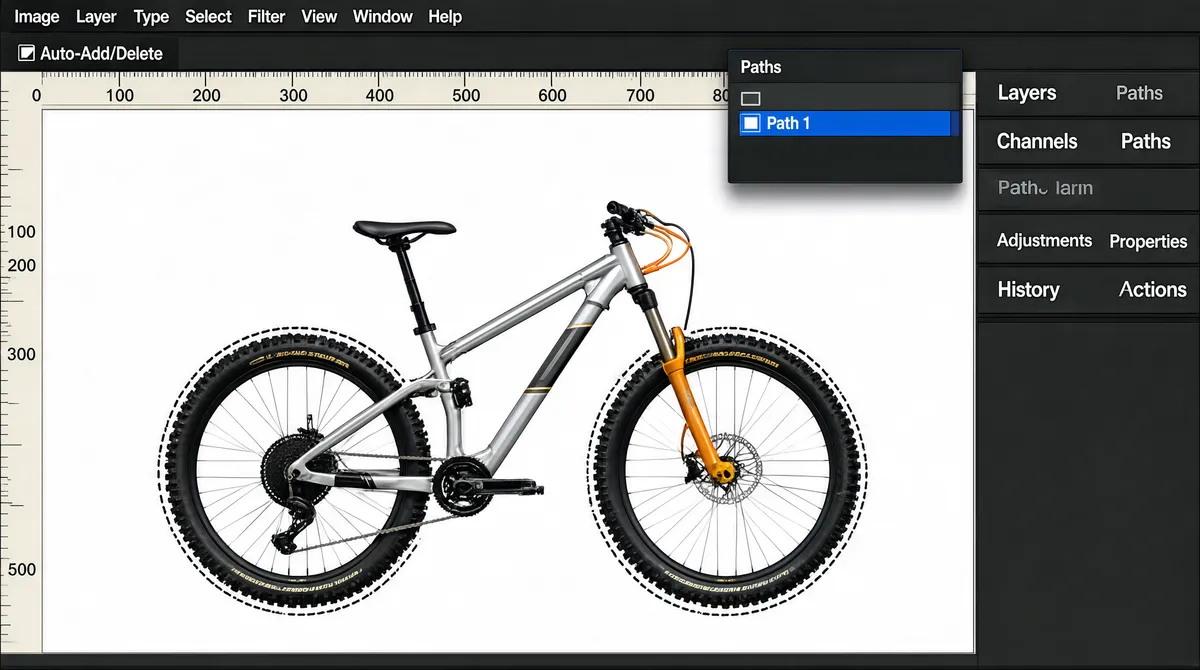
[Format] Landscape 16:9 gig cover, full-bleed screenshot of an Adobe Photoshop workspace, desktop application chrome, flat and technical, screen-resolution crispness. No watermark, no personal names. [Layout] The whole frame is the application window, edge to edge. A dark charcoal menu bar crosses the very top with small light-grey menu words; directly beneath it an options bar holds a line of tiny tool glyphs, a checkbox and a short label. Under that a pale horizontal ruler runs the full width with faint tick numerals, and a matching vertical ruler runs down the left edge. The right fifth of the frame is a dark palette dock stacked with collapsible panel rows whose tabs read as tiny grey labels; a small floating Paths palette hovers top-right over the document, casting a soft shadow onto the white sheet. The document itself is a pure white canvas filling roughly the remaining three-quarters of the frame, bordered by a hairline grey rule, with a dark pasteboard strip beyond its right and bottom edges. [Subject] Centred on the white canvas, an isolated hardtail mountain bike in flat side profile, front wheel to the right, filling about four-fifths of the canvas width: silver-grey alloy frame with a slim graphic band along the down tube, black knobbly tyres with small pale sidewall lettering, a pale gold and orange suspension fork, black saddle and flat bar with orange hoses looping forward, silver spokes, black crankset. A thin dashed marching-ants path hugs the entire silhouette, running just outside the tyre tread and scalloping in around every spoke, the pedals, the fork crown and the bar ends. Even shadowless light; the bike reads as a clean cut-out on the white sheet. [Headline] No cover headline, only interface micro-text in small dark grey sans, unreadable at thumbnail size: eight menu words across the top bar reading roughly Image, Layer, Type, Select, Filter, View, Window, Help; the checkbox label Auto-Add/Delete; small numerals along the top and left rulers; a floating panel titled Paths with one highlighted blue row reading Path 1; and a column of stacked palette tabs down the right dock. [Badges] The Adobe Photoshop application supplies every mark: its dark charcoal menu and options chrome, the tool-icon strip with the pen and path-selection glyphs among them, and the Paths palette with its row of tiny alignment glyphs along its base. No other logos appear. [Mood] Cool, technical and quiet: charcoal chrome, a large white sheet, a silver frame with small orange and gold accents at the fork, hub and bar. At thumbnail size the bright white document and the outlined bike are the entire read.
Tags
More Images