Generate
Create images with AI
Keyboard Static Electricity: Causes and Protection
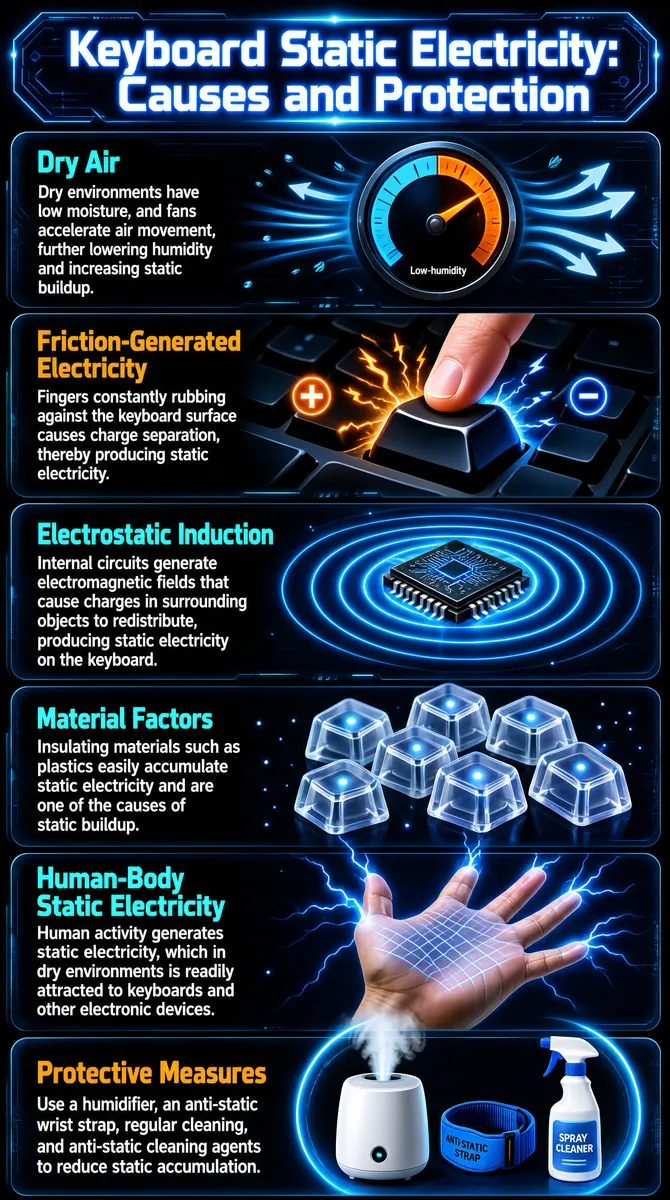
The infographic uses a deep-blue high-tech background, with the title "Keyboard Static Electricity: Causes and Protection" placed at the top in glowing blue-white lettering, surrounded by dynamic halos of light and particle effects that create a futuristic-tech atmosphere. The overall layout is a vertical stack of six horizontal modules, each composed of explanatory text on the left and a corresponding illustration on the right; the modules are separated by faint circuit-board textures to enhance visual unity. Each module uses a semi-transparent dark rounded-rectangle background; within the text area, a prominent main heading (orange or cyan) is distinguished from body text (white) to establish hierarchy. The illustrations use 3D rendering, glowing lines, and dynamic effects to present each causal mechanism intuitively. The specific module contents are as follows: 1. **Dry Air** - Main heading: "Dry Air" (cyan) - Body text: "Dry environments have low moisture, and fans accelerate air movement, further lowering humidity and increasing static buildup." - Illustration: A circular gauge with its needle pointing to the orange zone on the right, indicating low humidity; blue airflow lines in the background symbolize moving air. 2. **Friction-Generated Electricity** - Main heading: "Friction-Generated Electricity" (orange) - Body text: "Fingers constantly rubbing against the keyboard surface causes charge separation, thereby producing static electricity." - Illustration: A finger pressing a keyboard key, with orange lightning bolts and positive/negative charge symbols (+/-) around the key, and arrows indicating the charge-separation process. 3. **Electrostatic Induction** - Main heading: "Electrostatic Induction" (cyan) - Body text: "Internal circuits generate electromagnetic fields that cause charges in surrounding objects to redistribute, producing static electricity on the keyboard." - Illustration: A chip surrounded by blue concentric ripples, symbolizing the spread of the electromagnetic field and illustrating the process of charge redistribution. 4. **Material Factors** - Main heading: "Material Factors" (cyan) - Body text: "Insulating materials such as plastics easily accumulate static electricity and are one of the causes of static buildup." - Illustration: Several transparent plastic keycaps with blue spots of light on their surfaces, representing static accumulation. 5. **Human-Body Static Electricity** - Main heading: "Human-Body Static Electricity" (cyan) - Body text: "Human activity generates static electricity, which in dry environments is readily attracted to keyboards and other electronic devices." - Illustration: A grid-patterned palm with blue arcs of electricity radiating from the fingertips, depicting static discharge. 6. **Protective Measures** - Main heading: "Protective Measures" (orange) - Body text: "Use a humidifier, an anti-static wrist strap, regular cleaning, and anti-static cleaning agents to reduce static accumulation." - Illustration: A working humidifier (spraying mist), a blue anti-static wrist strap, and a bottle of spray cleaner, all three encircled by a blue halo of light to emphasize their protective role. The overall design style is modern and professional, combining scientific explanation with visual metaphor to clearly convey the five main causes of keyboard static electricity and one comprehensive protection plan. All text is in English, with no other-language or other language elements.
Tags
More Images