Generate
Create images with AI
Interactive Power BI Dashboard Pro
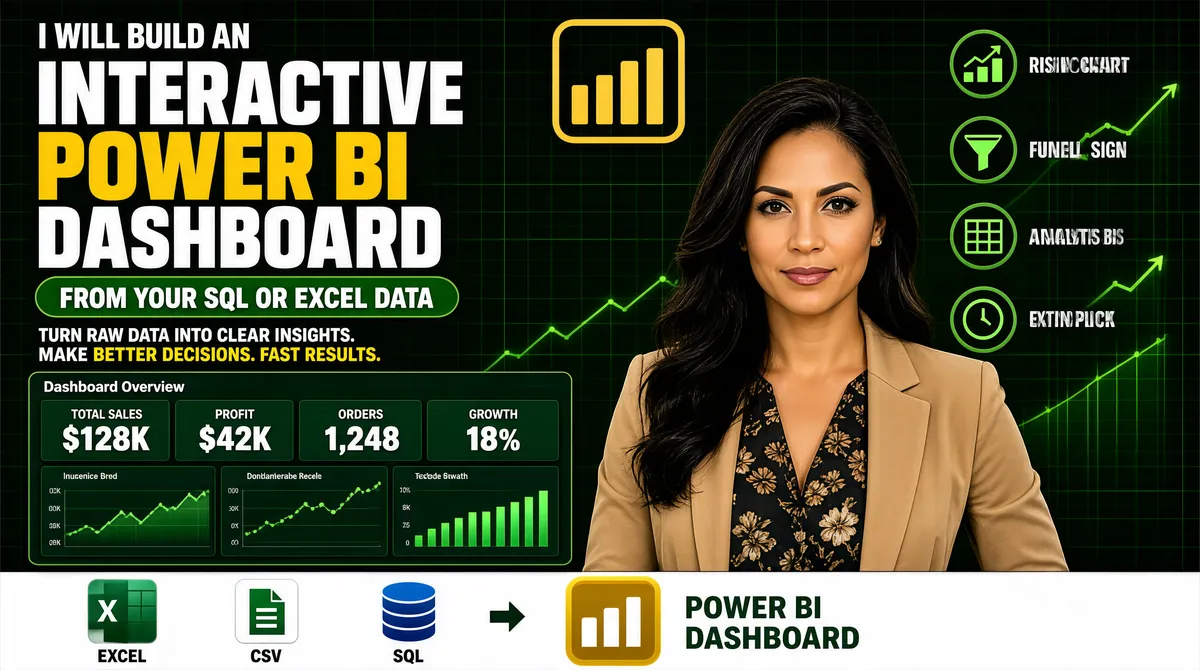
[Format] Landscape 16:9 gig cover, dense dark-marketplace banner with a cut-out and a dashboard panel. Green-and-gold accents on near-black. No watermark, no personal names. [Layout] Full-bleed near-black deep-green ground with faint green grid lines and trailing rising line-chart strokes in the upper right. The frame is densely packed, with four zones. Left half, top to bottom: a small white uppercase kicker; three enormous stacked headline lines; a green rounded pill; a two-part strapline; a wide dark-green Power BI dashboard panel with four KPI mini-cards across the top and three charts beneath; and finally a full-width white strip at the very bottom holding a row of small app tiles, a right arrow, a gold bar glyph and a two-line caption to its right. Right side: a short column of four icon-plus-label rows in the upper right, and beneath them the woman's cut-out filling the lower right. A large gold outlined Power BI logo mark sits at the top-centre. [Subject] A woman in her early thirties, long dark hair, wearing a tan blazer over a dark floral top, arms relaxed, waist-up, calm confident expression at camera; positioned on the right, cut out cleanly and layered in front of the ground. [Headline] Left stack: a small white uppercase kicker reading "I WILL BUILD AN"; then "INTERACTIVE" in huge heavy white uppercase, "POWER BI" in huge heavy yellow uppercase, and "DASHBOARD" again in huge heavy white uppercase. A green rounded pill carries white bold uppercase copy reading "FROM YOUR SQL OR EXCEL DATA". A strapline reads three short sentences in white with the final phrase highlighted in yellow. The dashboard panel title is a single grey word with four small KPI labels above bold figures. The bottom strip caption is green bold uppercase over two lines. [Badges] The bottom white strip holds small app tiles: the Microsoft Excel tile — a green rounded square with a white X glyph; a white CSV tile with a green document glyph; a blue SQL database cylinder as stacked discs; then a small right arrow and the Power BI logo — a gold rounded square with white ascending bars. The four right-hand rows use green circular line icons (a rising chart, a funnel, a grid, a clock). The top-centre mark is the Power BI logo — a thick gold outlined rounded frame holding gold ascending bars. [Mood] Near-black with deep green and bright gold accents. Dense, sales-forward, data-heavy; the trio of giant white-and-yellow headline lines still reads clearly at thumbnail size.
More Images