Generate
Create images with AI
Flat Vector Tutorial Video Player Cover
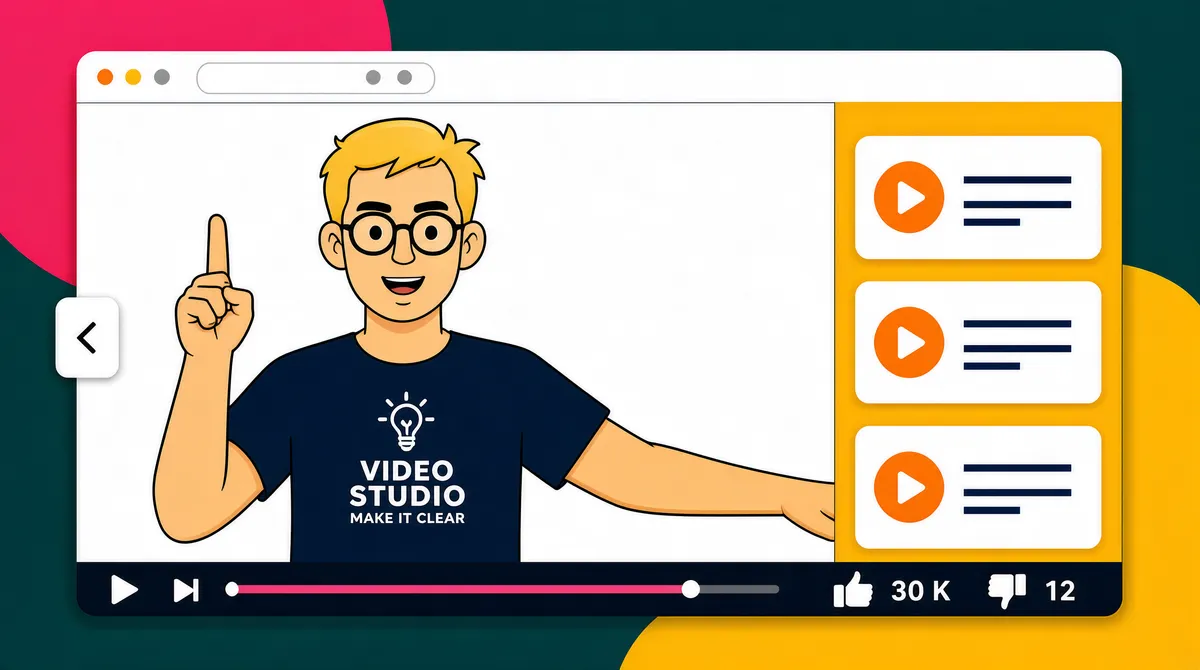
[Format] Landscape 16:9 gig cover, flat vector illustration styled as a browser video-player mockup, bold flat colours and simple shapes. Clean vector finish. No watermark, no personal names. [Layout] On a dark teal background with a large crimson-pink circle behind the upper left corner and a big mustard-yellow rounded shape behind the lower right sits one huge browser window filling about eighty percent of the frame, centred, with a white chrome top bar and three grey dots. The window body is warm orange-yellow and splits into two zones: the left two-thirds show a white video canvas containing the presenter, while the right third is a vertical playlist of three white rounded video cards, each holding an orange circular play button and two short placeholder text lines (one pink, one dark navy). A pink progress bar with a round navy knob runs along the bottom of the video canvas, and below it a control row carries skip-back, pause, skip-forward and volume icons on the left and thumbs-up / thumbs-down counters on the right. The presenter's forearm extends out over the lower right of the video area, and a small white back-chevron circle button sits on the window's left edge. [Subject] A blond cartoon man with round glasses and thick eyebrows, wearing a dark navy tee printed with a small lightbulb-monogram logo above a short white studio wordmark and tagline — render it as a generic lightbulb-icon logo plus a small two-line sans wordmark for a video studio — pointing his right index finger upward, chest-up, positioned in the video canvas left of the playlist. [Headline] No display headline — the only text is small: the two-line white wordmark and tagline on the presenter's tee (generic video-studio lockup), tiny pink and navy placeholder lines on the playlist cards, and a '30 K' like count beside a '12' dislike count next to the thumb icons. [Badges] Orange circular play buttons on all three playlist cards; simple white media-control glyphs (skip, pause, volume, thumbs) along the bottom bar; back-chevron circle button on the left edge. [Mood] Mustard yellow and dark teal with hot-pink and orange accents; friendly, playful tutorial-video energy. At thumbnail size the big orange window on dark teal and the column of orange play buttons read instantly.
More Images