Generate
Create images with AI
Excel Data Cleaning Before After Thumbnail
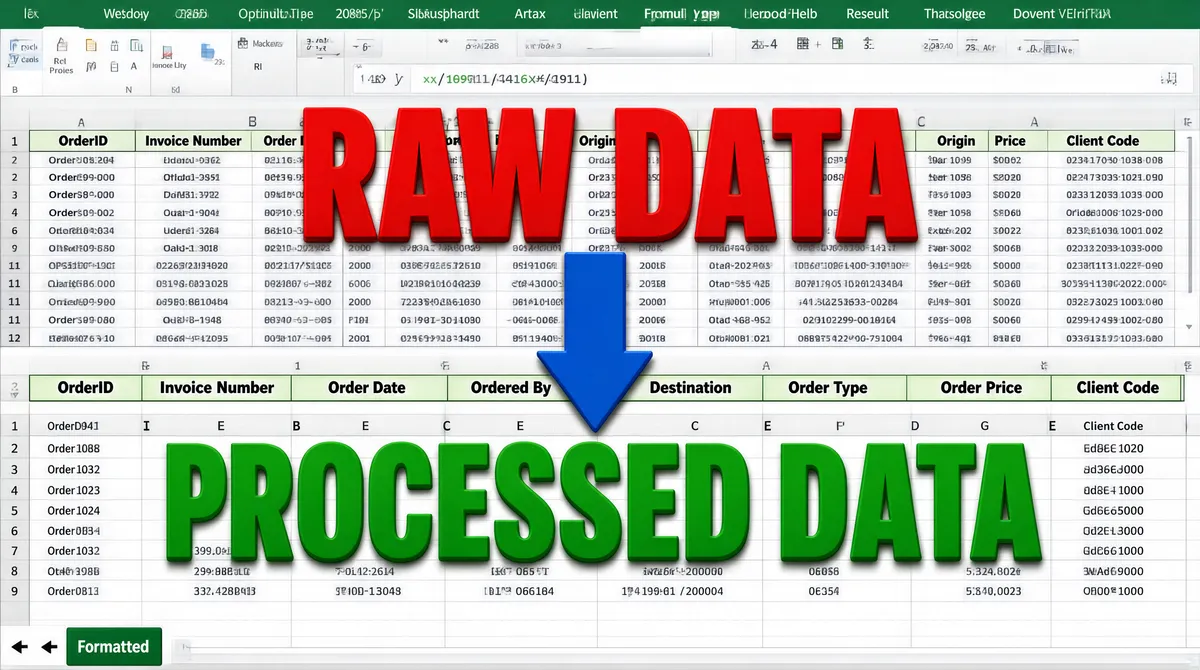
[Format] Landscape 16:9 gig cover, screenshot-mockup style reproducing an Excel worksheet interface with cells, gridlines and ribbon. Slight depth from oversized labels, no watermark, no personal names. [Layout] The frame is divided horizontally into two spreadsheet panels. The top panel shows a dense raw-data table with many columns; the bottom panel shows the same data after cleaning and formatting. A large red label sits over the top panel, a large green label over the bottom panel and a thick blue downward arrow connects them in the center. [Subject] None — typographic only. The central visual is the before-and-after Excel worksheet screenshot itself. [Headline] Top center in very large red sans-serif letters: "RAW DATA". Bottom center in very large green sans-serif letters: "PROCESSED DATA". The worksheet cells contain small gray placeholder text and column headers such as OrderID, Invoice Number, Order Date, Ordered By, Origin, Destination, Order Type, Order Price and Client Code. [Badges] The Microsoft Excel interface is recognizable: green worksheet tabs labeled "Formatted" and navigation arrows at the bottom left, plus the standard Excel row/column grid and formula bar area. No seller logos. [Mood] White, pale green, red and green high-contrast labels; functional and instructional. The thumbnail reads instantly as a data-transformation service.
Tags
More Images