Generate
Create images with AI
Cobalt Financial Dashboard UI Screenshot
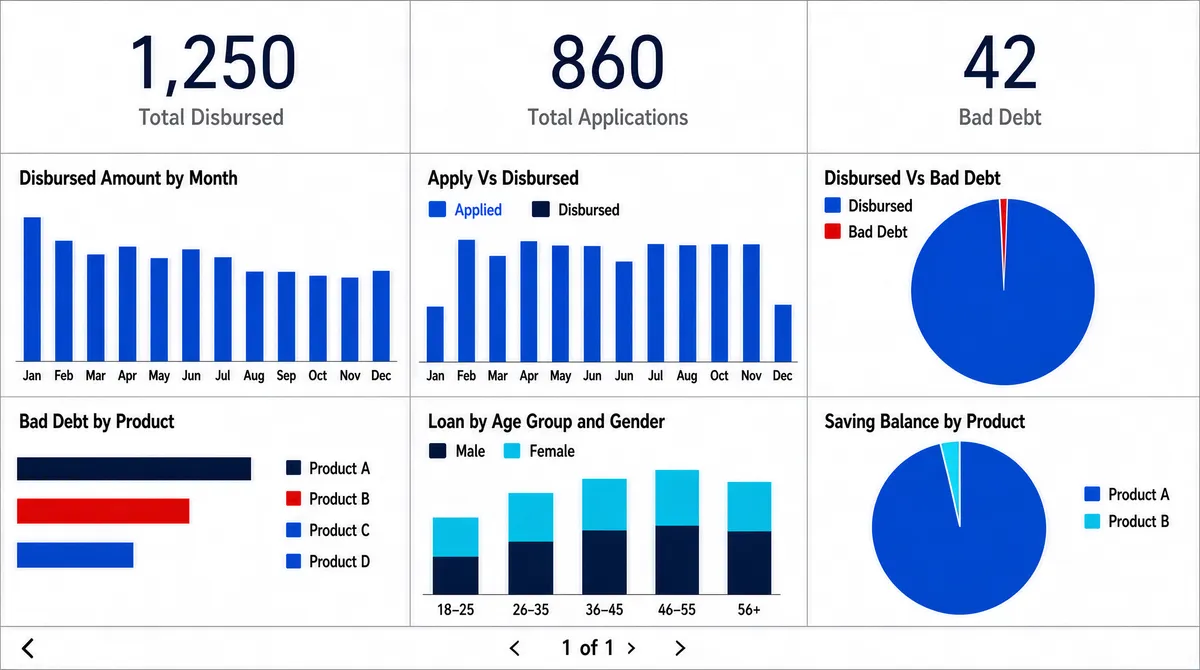
[Format] Landscape 16:9 gig cover, flat dashboard-UI screenshot on white. Uniform panel grid, hairline rules, clinical reporting look. No watermark, no personal names. [Layout] Edge-to-edge screenshot, no device frame. The canvas is a strict two-band grid. The top band is a single row of three equal white cards, each carrying one very large thin dark numeric figure centred, with a small grey caption beneath it. The lower band is a three-column by two-row grid of white panels separated by thin grey rules, each panel containing a chart: a column chart with twelve labelled bars; a grouped column chart with two long series over a year axis and a two-entry legend; a large single-slice pie with a tiny sliver; a red, blue and cyan horizontal bar chart with a long category legend to its right; a stacked column chart with two colour families over an age-group axis and a legend; and a second large pie with a small wedge and a legend list. A thin pagination strip runs along the very bottom with a small glyph on the left and a page indicator with arrow buttons at the centre. [Subject] None — UI only. [Headline] Panel titles in small dark title case across the top-left of each panel: "Disbursed Amount by Month", "Apply Vs Disbursed", "Disbursed Vs Bad Debt", "Bad Debt by Product", "Loan by Age Group and Gender", "Saving Balance by Product". The three top cards carry captions reading three short financial metric names under their large figures. Axis labels and month or category names run along the baselines. A page indicator at the bottom reads a small number-of-pages string. Render all wording as neutral placeholder copy in the same positions and weights. [Badges] A tiny product name sits at the very bottom-left corner — replace it with neutral placeholder text or omit it. No other marks. [Mood] Predominantly white with a cobalt-blue family plus red, cyan and dark navy accents in the charts. Plain, bank-report thorough; the three oversized top figures give the thumbnail its spine.
Tags
More Images